Your data, your call
Delete your account.
You can delete your Rizzable account at any time, in the app or by email. Deletion in the app is immediate and permanent.
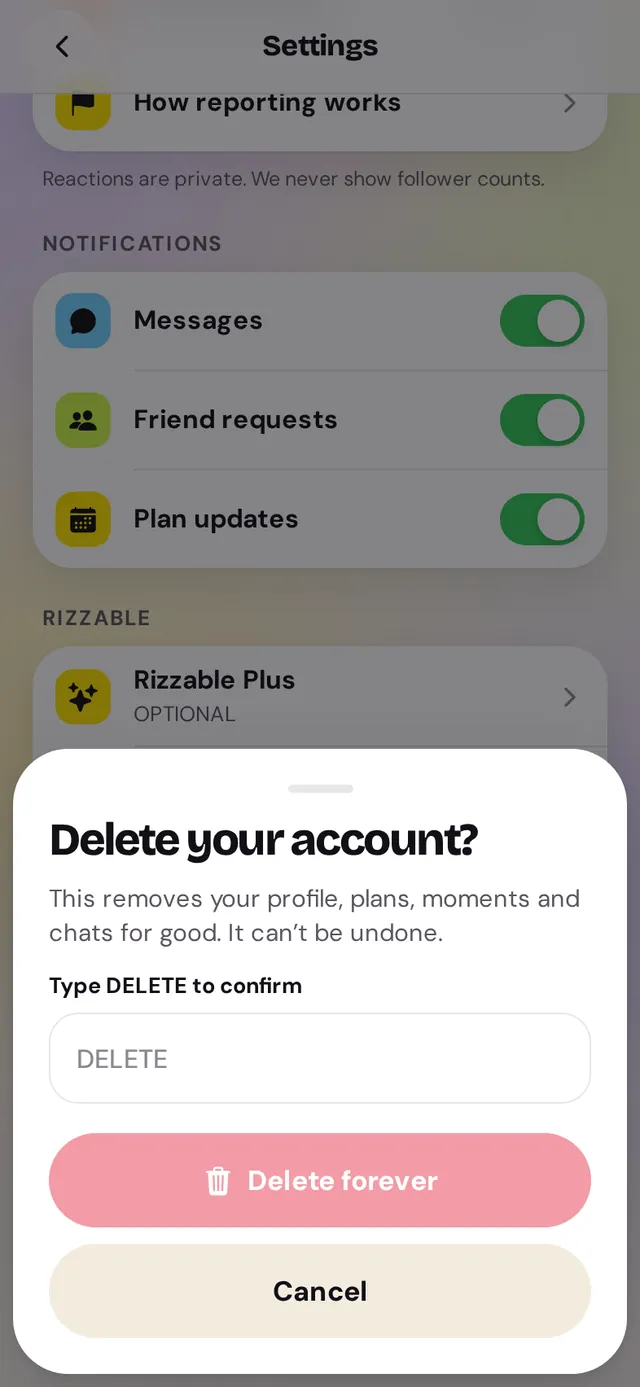
In the app
- Go to the You tab and tap the gear icon (Settings)
- Tap Delete account
- Type DELETE and tap Delete forever — that’s it, your account is deleted right away
On the web
- Email support@rizzable.eu from the email address on your account
- Use the subject: Delete my account
- We check it’s you, delete the account within 30 days (usually much sooner) and confirm by email
What happens to your data
Deleted: your profile, moments, reactions, plans you host, circle memberships, messages you sent, friendships, blocks, reports you filed, notifications, giveaway entries and Plus status on our side. Kept: reports made about you and moderation records (max. 2 years, for appeals and repeat abuse), backups until they expire after 30 days, and totals that no longer identify you.
Privacy PolicySubscribed to Plus?
Deleting your account doesn’t cancel store billing. Cancel Plus in App Store or Google Play too.